


Gallery
Every photo from every phone, backed up automatically.
Turn on backup once and new photos and videos go straight home over your Wi‑Fi, in full quality. The only storage limit is the drive you choose.


root@home turns a computer you already own into a private cloud for your family's photos, videos, movies, music and documents. Everything stays on your hardware, and you never pay a subscription to see your own files.
The story
Somewhere along the way, we stopped keeping our own memories. First steps. Birthday candles. Grandma's handwriting on a recipe card. [Twenty thousand moments] now live on someone else's computer, and every month [we pay rent] to see them.

Photos and videos are no longer backing up. Upgrade your plan to keep going.
Your family's history hits a storage limit, and the only fix is a bigger plan at a higher price, with more of your life on servers you'll never see.
The math
That's twenty years of a 2 TB cloud plan, and if you stop paying, you lose access to your own photos. root@home runs on a computer you already have. Your storage is whatever drive you plug in, and nobody can raise the price on your memories.
Illustrative: a typical 2 TB plan at $9.99/month, before tax and future price increases. Hardware you already own isn't counted.
The idea
root@home runs quietly on a Mac, Windows PC or Linux machine that stays on in your house. Every phone, laptop and TV at home connects straight to it, so your photos travel across your own Wi‑Fi instead of across the world.
The app
These are real screens from the beta app, served from a computer at home over plain Wi‑Fi.
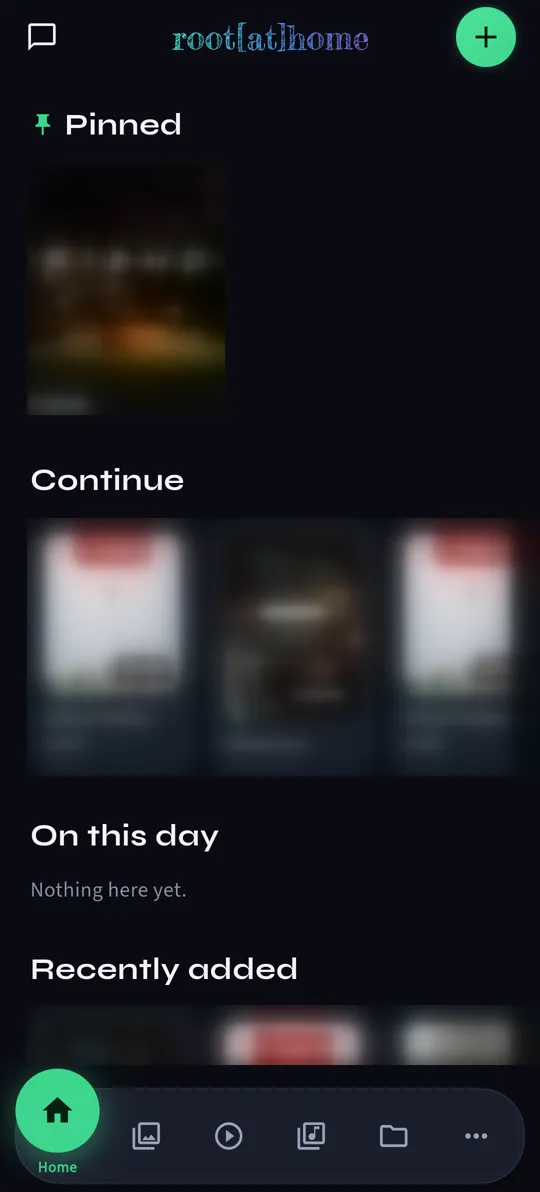
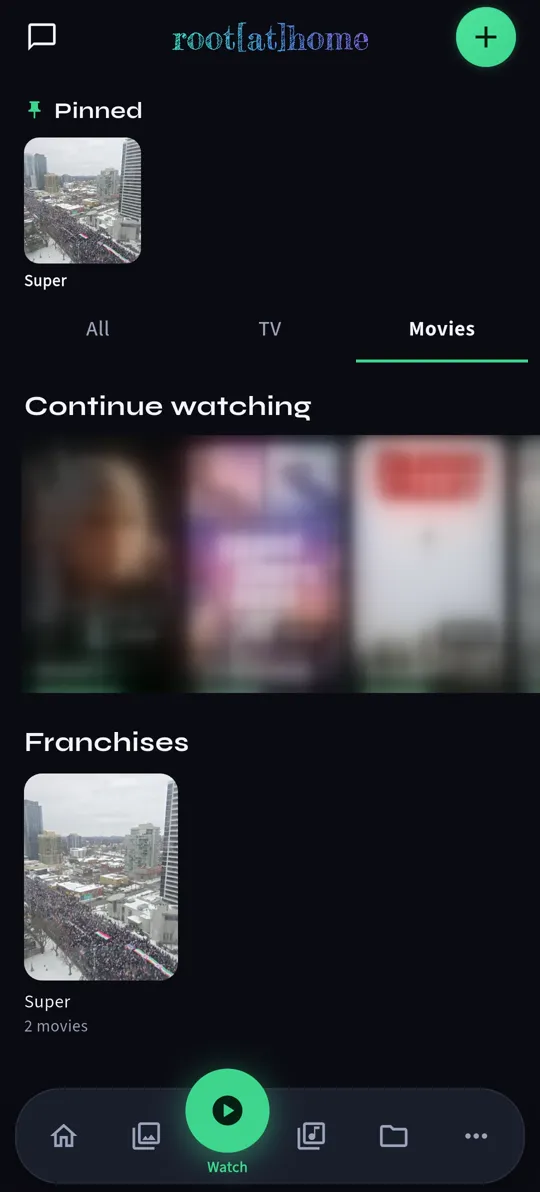
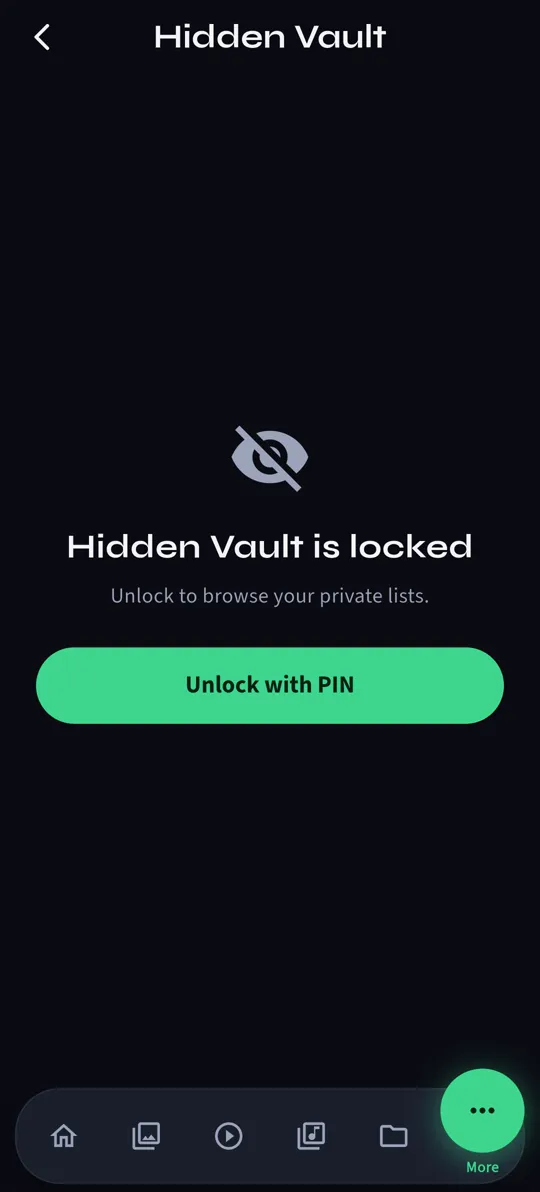
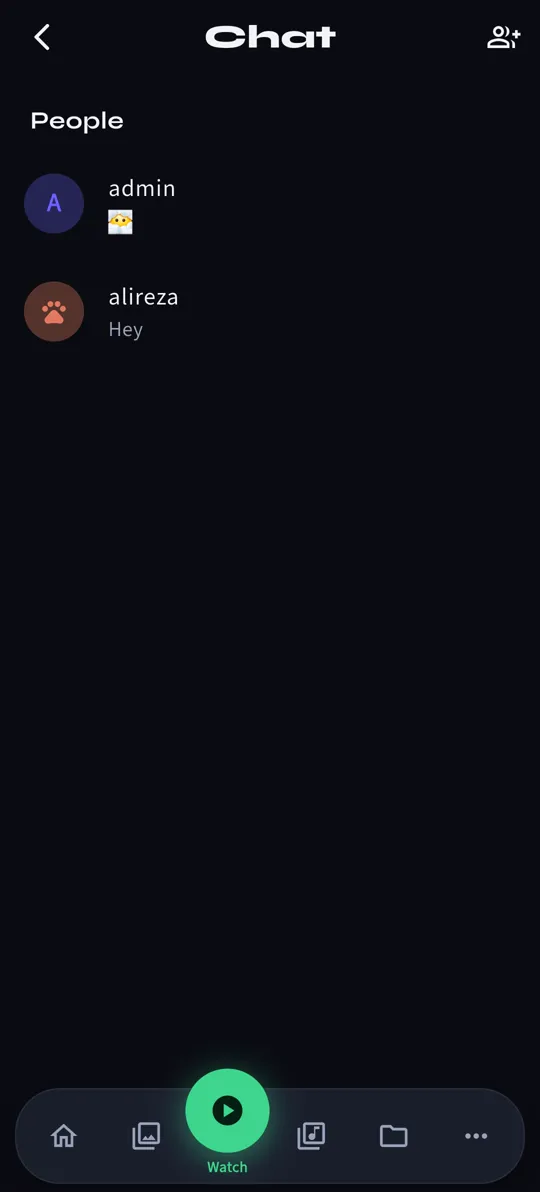
Real beta screenshots. Movie and album artwork blurred.
Everything your family keeps
Photos from every phone, the movie shelf, the music library, and the paperwork you can never find. Everyone in the house gets their own space.
Turn on backup once and new photos and videos go straight home over your Wi‑Fi, in full quality. The only storage limit is the drive you choose.
Stream your collection to any screen in the house.
Passports, report cards, tax returns and recipes, organized and kept at home.
Your vault is locked with keys only you hold. The server at home only ever stores ciphertext.
Each person gets their own library, and shared albums go to exactly who you choose.
Turn on an encrypted, direct link from your phone back to your house, with no relay or middleman in between.
Copy everything to an external drive automatically, because one copy isn't a backup.
Private by design
We don't run a cloud that holds your files. Your photos live on your computer, in your house.
Nobody mines your family albums to sell ads or train models. It's your hardware, so you make the rules.
No subscription stands between you and your own files. Your library lives on your drive, where it always stays.
During the beta, the app and server send small anonymous health pings, such as app version, crash counts and free disk space, so we can fix problems early. They never include filenames, photos, messages or your name, and they stop when root@home leaves beta.
Setup
You won't need the command line or any networking know-how.
Run the installer. root@home starts with the computer and keeps running quietly in the background.
Open the app, scan the QR code on your computer's screen, and your phone is connected to Home.
Add everyone in the household. Each person gets their own account, backup and vault.
root@home is in private beta with a small group of families. Get an invite code and set up your household today.
Get beta access